
How to get your business on Google Maps: a step-by-step guide
When people search "near me", Google Maps decides who they call. Here is how to create, verify and complete your free Google Business profile.
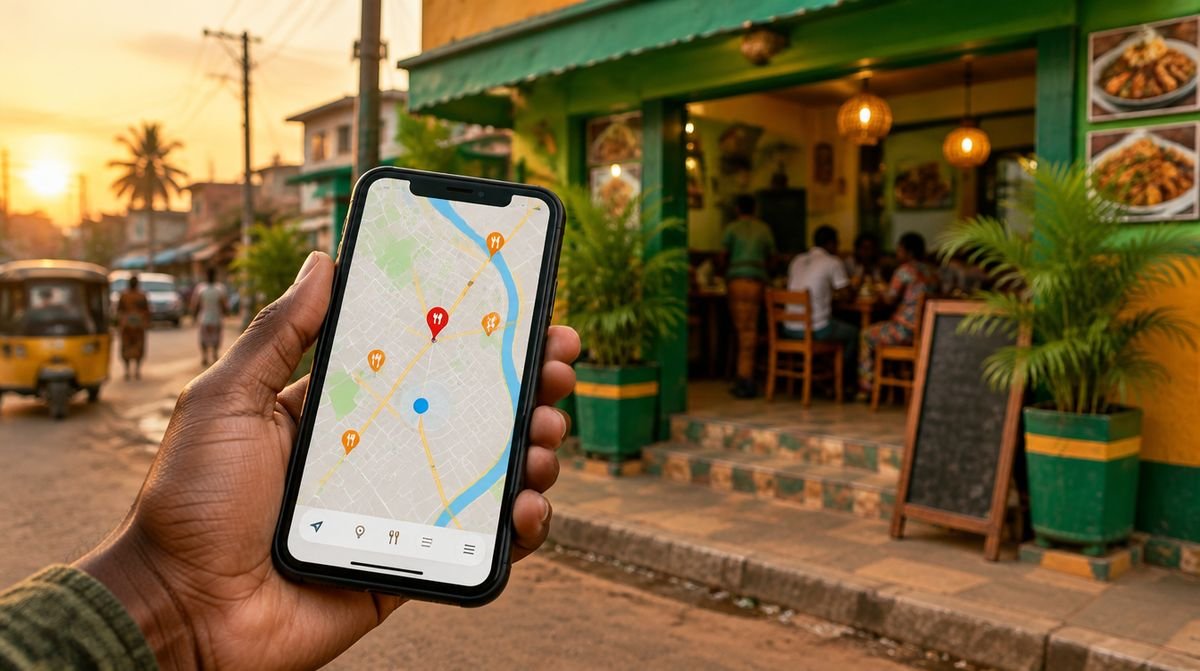
When someone types "salon near me" or "restaurant in Osu", Google Maps decides who they see first. A complete Google Business profile is free, and it is often the first impression a new customer gets of your business.
Step 1: Check if your business is already there
Search your business name on Google Maps. A customer may already have added it. If it exists, choose "Claim this business" instead of creating a new one, so you do not end up with duplicates.
Step 2: Create the profile
Go to business.google.com with the Google account you want to manage it with (use a business account you will keep, not a personal one you might lose). Enter:
- the exact name your customers use (no extra keywords)
- the most specific category ("Hair salon" is better than "Beauty")
- your address, or the area you serve if customers do not visit you
- your phone number and WhatsApp-friendly number
Step 3: Verify it
Google asks you to prove the business is real. The method varies by business and country: it can be a short video of your premises, a code by phone or email, or another option shown in the dashboard. Until it is verified, the profile may not appear for everyone.
Step 4: Complete everything
Profiles with complete information look more trustworthy. Add:
- Opening hours, including special hours on holidays
- At least 10 real photos: the front of the building, inside, your team, your products
- Your services or menu with prices
- A link to your website or a WhatsApp click-to-chat link
Step 5: Ask for reviews every week
Reviews decide whether people message you or the business next door. Ask happy customers right after a good experience, with a direct link to your review page. Reply to every review, good or bad, politely and quickly.
Step 6: Keep it alive
Post an update or an offer every week or two, add new photos, and keep hours correct. An outdated profile sends customers to a closed door.
Not sure what your profile is missing? The free SBE scan checks it with you and lists what to fix first.
Frequently asked questions
How much does a Google Business profile cost?
Nothing. The profile is free. You only pay if you choose to buy Google Ads, which is optional.
Can I have a profile without a shop?
Yes. Service businesses that visit customers can hide their address and show the area they serve instead.